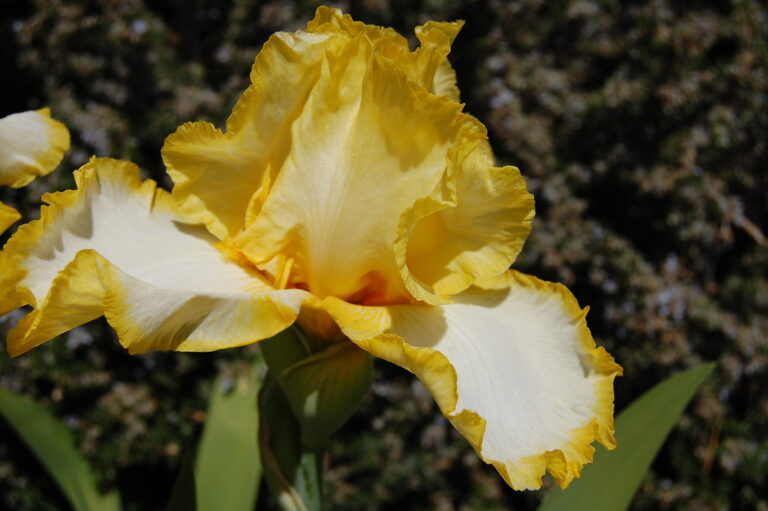
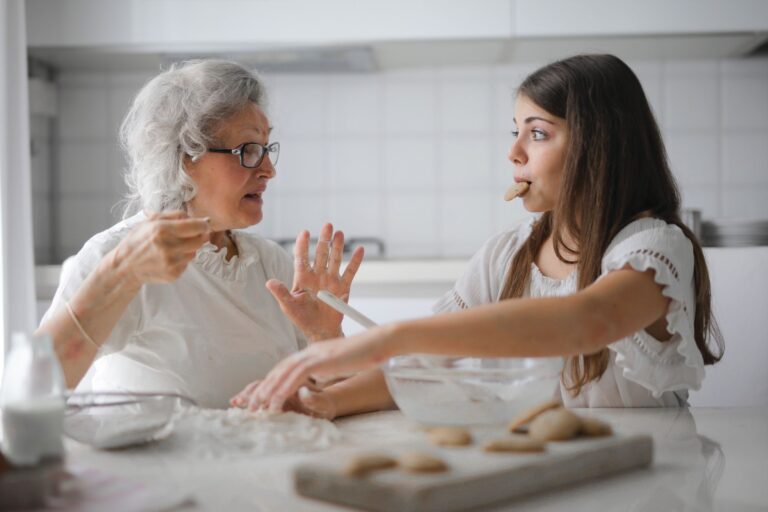
Families preserve family-garden photographs by selecting meaningful images, digitizing them, labeling people and places, recording stories, and storing separate copies. Start while a loved one can still identify plants, seasons, traditions, or relatives, because Alzheimer's disease irreversibly and progressively damages memory and thinking. Preservation has two parts: protecting each image and saving the context that makes it meaningful. Photographs may support conversation and connection, but they cannot prevent Alzheimer's-related memory loss.
Medical information disclaimer: This article is for general educational purposes only and does not provide medical advice, diagnosis, or treatment. Always consult a physician or other qualified health professional about symptoms, medications, tests, or treatment decisions.
Table of Contents
- Choose photographs that tell the garden's story
- Invite stories without testing memory
- Preserve the information around each image
- Protect the original prints
- Make the archive usable by the family
Choose photographs that tell the garden's story
Begin with a manageable group rather than trying to organize every family photograph. Include images that represent different people, places, seasons, celebrations, and stages of the garden. Look for photographs that invite specific questions: Who planted the roses? What grew beside the shed? Which vegetables appeared at summer dinners? Give every selected print or digital image a temporary number so its story stays attached during sorting.
Invite stories without testing memory
Reminiscence means using familiar prompts, such as photographs, to discuss past experiences. Older memories may remain accessible longer than short-term memories, but recall can vary. The Alzheimer's Association recommends making connection the goal—not testing whether someone remembers correctly—when using familiar photographs and objects (its guidance on reminiscence). Show one photograph at a time.
Try observations and open invitations: "Those tomatoes look enormous," or "Tell me about this corner of the garden." Avoid repeated questions such as "Don't you remember?" Accept the story offered without pressing for missing names or dates. A family may turn these conversations into captions, audio recordings, or a simple life-story book. However, a Cochrane review found only possible, generally small and setting-dependent benefits for well-being, cognition, communication, or mood (its review of reminiscence therapy for dementia). Photo reminiscence is a way to support engagement, not a treatment that stops memory loss.
Preserve the information around each image
Create a digital version of every selected print, then use a consistent system for filenames and notes. Do not depend on memory or a folder named "Garden Photos." For each image, record what the family knows: The Library of Congress recommends descriptive filenames, subject and people tags, written descriptions, and at least two copies in physically separate places. It also advises checking readability annually and copying files to new media about every five years (its personal photo preservation guidance).
- Names of people shown
- Garden name and location
- Approximate year or season
- Plants, structures, pets, or events pictured
- The photographer, if known
Protect the original prints
Keep original photographs in a stable, relatively cool and dry room. The Library of Congress recommends temperatures of 70°F or below and relative humidity between 30% and 50%, while warning against attics, basements, sunlight, and adhesive "magnetic" albums (its guidance for caring for photographs).
Digitize important prints before further handling or rearranging them. Record where the originals are stored so relatives do not have to search through closets, garages, or unmarked boxes later.
Make the archive usable by the family
Add a short index explaining the folder structure, filename system, backup locations, and location of the originals. Name a family member who will maintain the collection, but ensure another trusted person can find and open it. For the first session, label 10 photographs, record one story for each, copy the folder to a second physical location, and schedule the first annual readability check.