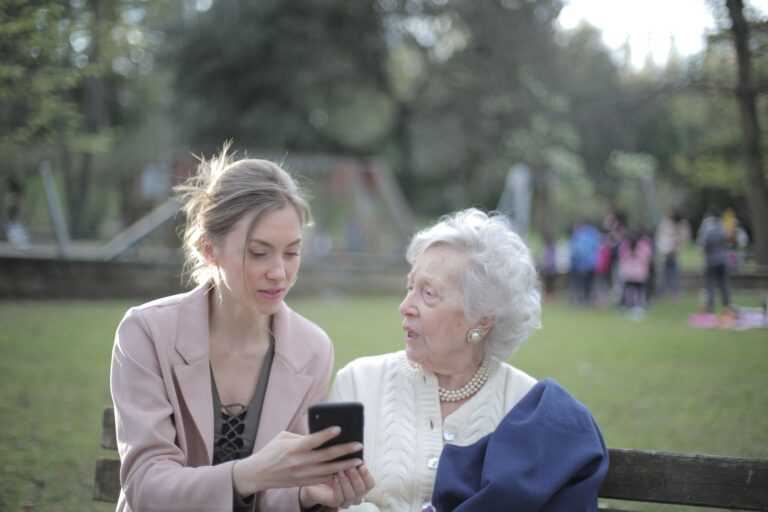
Dementia care apps that sync with family caregivers remotely are shared phone or watch tools that keep every helper looking at the same care record. One update about location, medications, meals, or behavior appears for the whole family at once, even from different homes. Remote sync means no separate calls or group texts to stay current. A daughter across town can see that morning medications were confirmed, while a nurse sees the same routine timeline and behavior notes.
Medical information disclaimer: This article is for general educational purposes only and does not provide medical advice, diagnosis, or treatment. Always consult a physician or other qualified health professional about symptoms, medications, tests, or treatment decisions.
Table of Contents
- What does remote sync actually do?
- Which apps handle location and safety alerts?
- Can these tools ease behavior symptoms and stress?
- What limits should families plan for?
What does remote sync actually do?
Caregiver Mode in RememberTogether lets the main caregiver set check-ins, medications, meals, and routines. Invited family members then share real-time updates and history in one Family Account controlled by that caregiver. Adley Health takes the same approach for Parkinson's and Alzheimer's families.
It holds medications, symptoms, appointments, tasks, and emergency plans in one private app so helpers coordinate without group texts. The free CareMobi app from NYU Meyers College of Nursing widens that circle to aides and medical providers. According to the NYU nursing announcement, it shares appointments, treatments, and well-being updates for older adults aging in place.
Which apps handle location and safety alerts?
Location tools pair a phone, watch, or tracker with a shared timeline. According to the Care Dementia Tracker product page, its service syncs live GPS location, routine timelines, and behavior logs across up to 5 family caregivers and nurses under one $9.99 per month subscription. Waypoint Care focuses on safe zones drawn on a map.
According to the Waypoint Care product page, it sends push and SMS alerts when a person leaves that zone, plus low-battery and signal-loss warnings, while helpers view the same shared timeline and medication confirmations. BoundaryCare runs on Apple Watch and detects falls with location. It recognizes wandering through geofencing and lets multiple family caregivers receive customizable SMS, email, or push alerts on scheduled rotations.
Can these tools ease behavior symptoms and stress?
Most remote-sync apps aim at coordination, not treatment. The WeCareAdvisor web app is different because it guides caregivers through non-drug DICE strategies for behavioral symptoms. In a 262-caregiver randomized trial, immediate users reported fewer behavioral symptoms, less distress, and improved well-being at 3 months.
According to the UC Davis Health summary, the study was published in the Journal of the American Geriatrics Society. That result matters for families facing agitation, sleep changes, or repeated questions. A shared plan helps every helper use the same calm response instead of trying different approaches alone.
What limits should families plan for?
Remote tools depend on devices that are worn, charged, and connected. They also depend on recorded consent from the person receiving care.
When batteries die or signal drops, wandering, fall, or missed-dose alerts can fail. Keep a backup check-in time, keep chargers in fixed spots, and confirm who responds if an alert does not go through.
- Match the app to the main need: GPS wandering alerts, daily medications and meals, or both
- Count who must see updates, including night and weekend helpers
- Check how alerts arrive: push, SMS, email, and rotation schedules
- Write down what happens during dead batteries or lost signal