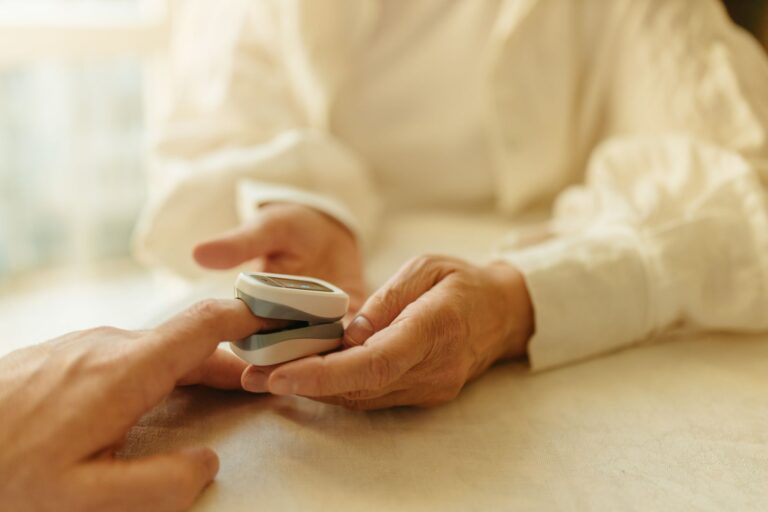
AI scribe tools help caregivers track doctor visits by recording the appointment and turning it into a written summary with next steps. A caregiver presses record once, then revisits and shares the result instead of relying on memory or rushed notes. An AI scribe is software that listens to a visit and drafts notes from the conversation. For dementia care, that matters because appointments move fast and cover medication changes, behavior shifts, and follow-up tasks.
Medical information disclaimer: This article is for general educational purposes only and does not provide medical advice, diagnosis, or treatment. Always consult a physician or other qualified health professional about symptoms, medications, tests, or treatment decisions.
Table of Contents
- What happens during the visit?
- How does this help after a dementia appointment?
- Can you organize records across visits?
- What should you ask before you press record?
What happens during the visit?
A caregiver-side tool records the discussion and produces a transcript and summary for later review. According to Neela, its Scribe offers one-tap visit recording that returns a structured, searchable summary for medical, therapy, and other visits. Clinic systems work from the other side of the exam table.
Royal Children's Hospital Melbourne says its AI Ambient Scribe listens in real time during outpatient appointments and creates medical notes so clinicians focus on patients and families rather than typing. In practice, the caregiver can stay present instead of writing constantly. The record preserves exact instructions about doses, referrals, and warning signs.
How does this help after a dementia appointment?
Afterward, the summary becomes a shared reference for the care network. Neela says caregivers can revisit the summary and share it with siblings, spouses, or others involved in care.
Kin Health offers a similar family benefit through its free patient-side app, which converts visits into plain-language summaries with next steps for remote family members and long-term caregivers. One person attends, then everyone sees the same plan. Useful habits make the summary work harder:.
- Save the summary under the visit date and clinic name.
- Highlight medication changes and follow-up appointments.
- Send the next-steps section to family the same day.
- Bring the prior summary to the next visit.
Can you organize records across visits?
Some tools combine the latest visit with older information. According to CareGene, its Action Center produces an automated visit transcript, generates a pre-visit summary from logged notes, and imports records from Epic and Apple Health into one timeline. That timeline helps caregivers spot changes across months.
A new sleep problem, appetite change, or fall looks different beside earlier notes. CareGene also says its Sage assistant answers questions using only the child's imported records and caregiver logs, cites a numbered source for each claim, and reports how many sources were used. It does not diagnose, so families still need clinician judgment for medical decisions.
What should you ask before you press record?
Permission comes first. UCSF Health says its clinic AI scribe may be used only with patient permission, drafts a visit note for clinician review and editing before entering the medical record, and recordings are permanently deleted within 30 days through its permission-based clinic note process. Ask the front desk or clinician whether recording is allowed and whether opting out is available.
Clinic policies differ, and consent rules vary by place. Treat caregiver summaries as organizational aids, not official medical records. Check names, doses, and dates before acting, and confirm anything unclear through the clinic's usual message or follow-up channel.